Enriching Data with Anomali Whois History
The Anomali Whois History enrichment leverages data from various providers and internal databases to provide details on target hosts.
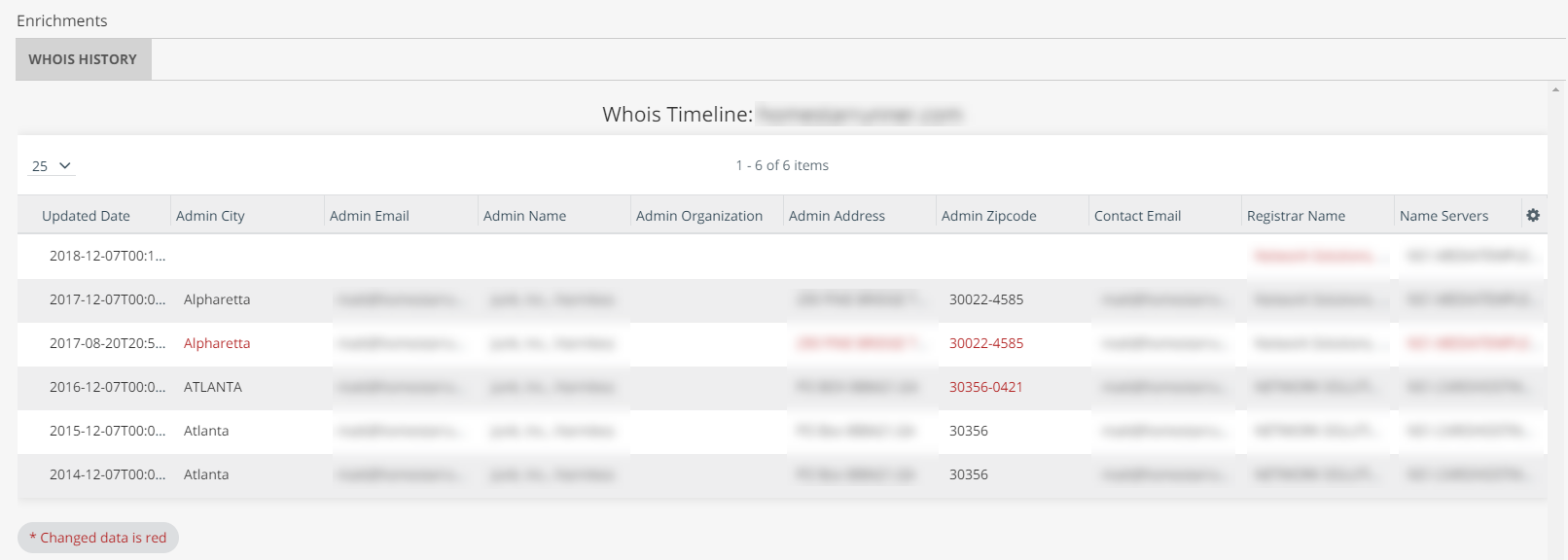
When activated, Anomali Whois History displays Whois data for domains on the Whois History tab in the Enrichments section of observable details pages. The enrichment calls attention to updated information by displaying it in red text.
To activate the Anomali Whois History enrichment:
-
Navigate to ThreatStream > APP STORE > APP Store.
- Click Get Access on the Anomali Whois History tile.
- Click Activate.
The Anomali Whois History enrichment is now active.